Hermes Agent vs OpenClaw: Which open-source agent should you run?
Two installs sit on the same host and only one question is left: which of them keeps running? The split is in the shape of the process. OpenClaw is gateway-first. A resident daemon owns channels, sessions, routing, and named agents, and that is what lets one agent stay connected to Telegram, Slack, or Discord and answer when someone writes. Hermes Agent is runtime-first: a Python agent from Nous Research whose core is the AIAgent conversation loop, invoked from a terminal, with the messaging gateway started separately when you want chat input. Both projects are MIT-licensed, self-hostable, and model-agnostic, so neither locks you into a closed platform.
What differs in practice is a short list:
- which process you supervise
- where generated files land
- how memory is stored and searched
- how scheduling is wired
- what a later migration would actually copy
| Aspect | OpenClaw | Hermes Agent |
|---|---|---|
| Core shape | Gateway-first: a resident daemon owns channels, sessions, routing, and named agents. | Runtime-first: the AIAgent conversation loop is the core; the gateway and execution backends are optional modes. |
| Setup | Guided onboarding through openclaw onboard, with npm or Docker install. |
Guided setup through hermes setup, plus a model-only path with hermes setup model. |
| Default file location | A workspace under ~/.openclaw/workspace/ acts as the agent’s default working directory; sandboxing is enabled separately. |
Local execution writes into the current working directory by default. |
| Memory and retrieval | Curated Markdown memory, indexed daily notes, and memory_search / memory_get on-demand retrieval with hybrid keyword and vector search. |
Curated MEMORY.md and USER.md files plus SQLite session storage with FTS5 full-text search through session_search. |
| Built-in scheduling | Scheduled jobs run through the resident gateway daemon. | Built-in cron runs through the gateway daemon scheduler, which ticks every 60 seconds. |
| Tools and skills | Skill-driven tooling with SKILL.md files and registry-based skill discovery. | Built-in tools plus agent-created and agent-refined skills, with the shared SKILL.md format. |
| Model access | Configured per provider; model, endpoint, and tool-calling compatibility must match the agent’s documented configuration. | Configured per provider; the same compatibility check applies to each documented integration. |
| Migration | openclaw migrate hermes previews the import with --dry-run and brings over model configuration, MCP servers, workspace and memory files, and skills; auth credentials are imported only when you accept the prompt or pass --include-secrets. Sessions, plugins, and cron jobs stay archive-only. |
hermes claw migrate imports an OpenClaw setup with a --dry-run preview; confirm its supported scope in the current release. |
How does setup compare between Hermes Agent and OpenClaw?
Setup is guided on both sides; the part that shapes your week is the process still running afterwards. OpenClaw runs openclaw onboard after an npm or Docker install. Hermes runs hermes setup after its install script, and adds a model-only hermes setup model path when the only thing you need to wire is a provider and a key. Commands and flags in both projects move between releases, so check the current official documentation before you run a line you saved months ago.
OpenClaw leaves you with a gateway; Hermes leaves you with a runtime
Start OpenClaw and a daemon stays alive. It owns the channel integrations, keeps sessions and routing in one place, and gives every named agent its own workspace. Start Hermes and you get a conversation: the AIAgent core builds the prompt, dispatches tools, and finishes when the answer is out. Chat input is a separate mode you launch when you want it, and the same agent can be called again from a script or a terminal.
That contrast is why you see OpenClaw called a control plane and Hermes called a runtime. After onboarding, OpenClaw expects you to supervise a resident process. Hermes expects to be invoked when a task arrives.
The workspace is the default directory, not a sandbox
Where generated files land is the setup detail you feel every day. OpenClaw gives the agent a workspace under ~/.openclaw/workspace/, so output lands there instead of in the repository where you typed the command. That workspace is the agent’s default working directory, not a hard sandbox. Commands and absolute paths can reach outside it unless you enable sandboxing separately, so treat isolation as its own configuration step: explicit sandboxing plus approval policies, not something the file layout gives you for free.
Hermes runs local execution against the directory you launch it from, so a file it writes appears in the project you are standing in. That is convenient for repository work, and worth knowing before you point it at a production tree.
For install and first-run steps, use the Hermes Agent setup guide for beginners, which shows where each guided-setup value is stored before you edit config by hand.
How do memory and retrieval compare?
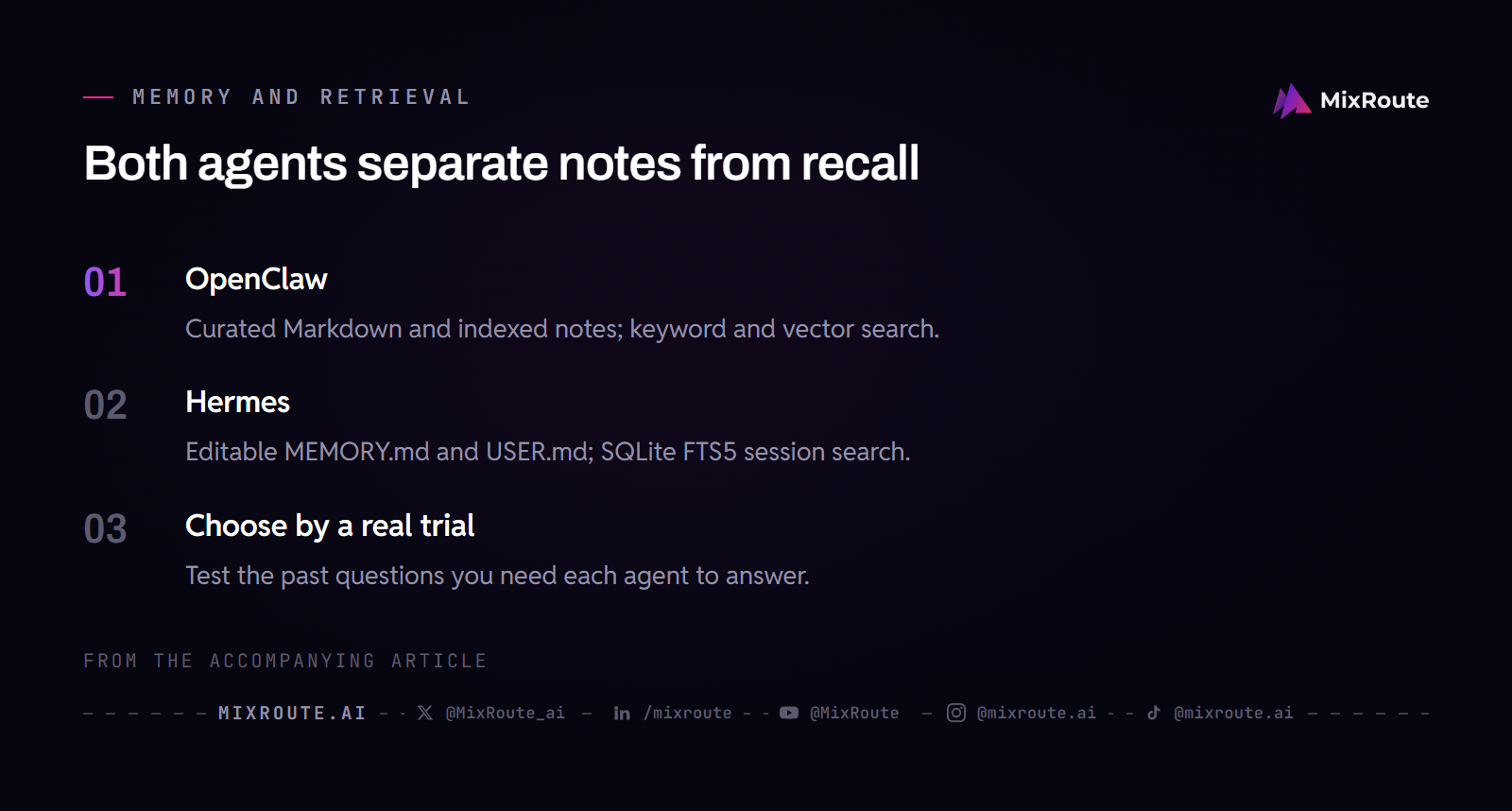
Both agents keep a small, human-readable memory and both can search their own history, so what separates them is where the files live and which search surface you will actually use. Curated facts and session history sit in separate stores in both projects, and in both you can read what was kept.
OpenClaw memory: curated notes and search on demand
OpenClaw starts from a compact, curated MEMORY.md file rather than from a raw transcript dump. Daily notes are indexed as the agent works and consolidated over time. When the agent needs something back, memory_search and memory_get run on demand and combine keyword with vector search. Nothing in that design requires every past conversation to be pushed into the model on each recall, and conversation history is still kept separately for the times you want to see what happened in a session.
Hermes memory: small curated notes with a searchable session log
Hermes splits memory into two layers with different mechanics. Facts and preferences live in editable MEMORY.md and USER.md files under ~/.hermes/memories/, with character budgets of 2,200 and 1,375, which keeps the block injected at session start small. Full session history lives in a SQLite database, ~/.hermes/state.db, with FTS5 full-text search, and session_search pulls matching messages out of that database on demand. The agent curates the note files through its memory tool, and you can open the same files in any editor because they are plain Markdown on disk.
What to evaluate when memory tips the decision
Auditability does not separate these two, because the curated notes are files on disk in both designs. The differences are layout and search surface. OpenClaw pairs a concise MEMORY.md with indexed daily notes and keyword plus vector search over that store. Hermes injects MEMORY.md and USER.md at session start and searches a separate SQLite archive with FTS5 when you need an older conversation.
If your questions run toward “what did we decide about this project a few weeks back”, test both with that question and see which surface returns it. Memory defaults do move between releases.
Which agent is better for scheduling and unattended workflows?
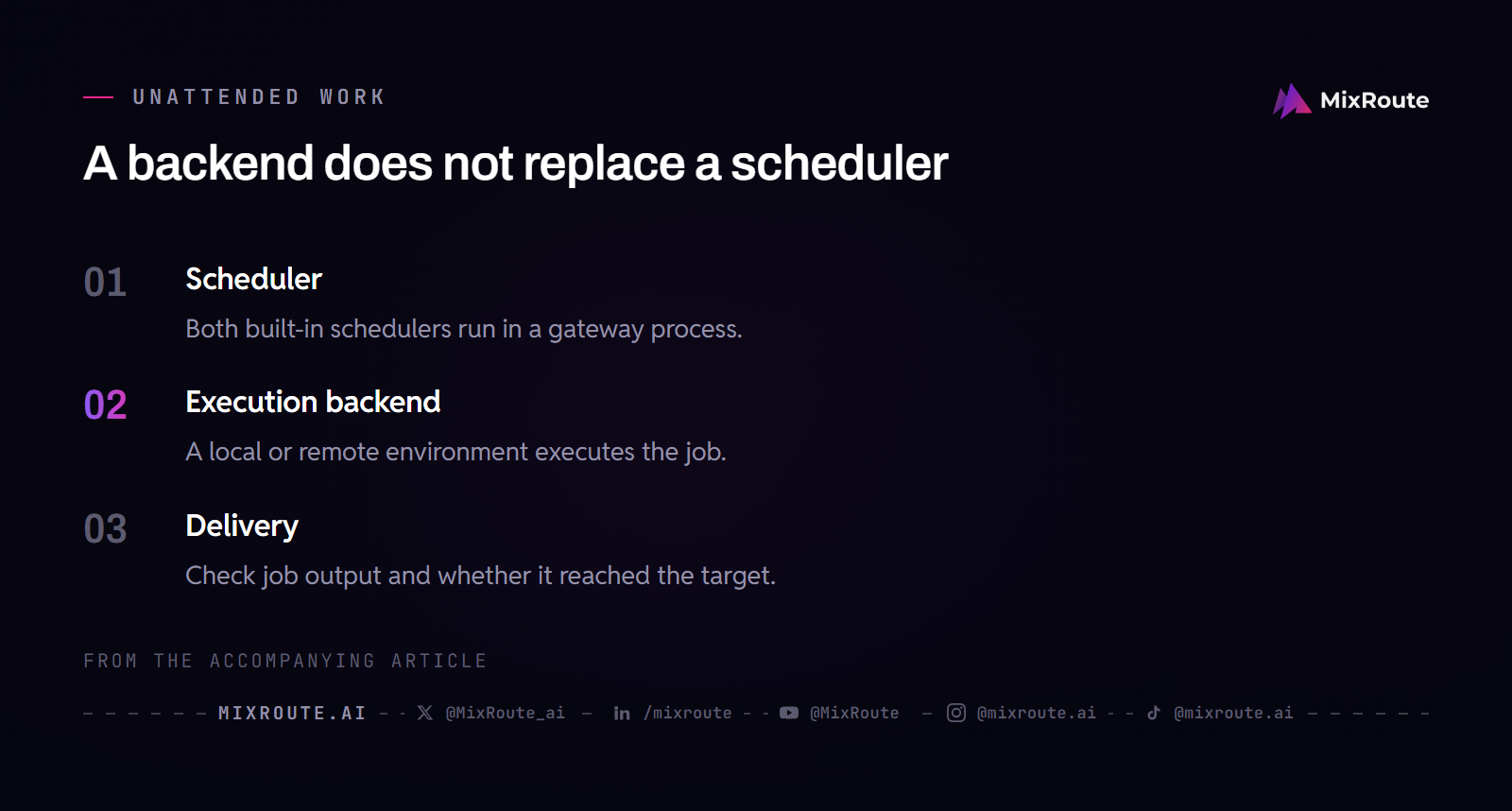
Neither agent fires scheduled jobs on its own. Both put you in charge of keeping a scheduler process alive on a host you supervise, and a remote execution target does not change that: it can run the heavy command, but the process that fires the job still has to be up. The question worth testing is how each behaves on your host when you restart it.
Hermes built-in cron runs from the gateway daemon
Hermes documents cron execution as the gateway daemon’s job. The daemon ticks the scheduler every 60 seconds and starts a fresh agent session for each due job. The cronjob tool and the hermes cron command create, pause, resume, run, and remove jobs, and each job keeps its definition in ~/.hermes/cron/jobs.json. Output goes to a delivery target you configure, such as a chat channel, local files, or another platform.
- Jobs can be one-shot or recurring.
- A script-only mode runs without an LLM, which fits watchdog-style checks.
- The scheduler records each attempt and separates execution failure from delivery failure, so a job whose output never reached you is flagged instead of reported clean.
- Model choices can be pinned per job, so an unattended run does not silently inherit a model you switched in a chat session.
OpenClaw scheduling lives in its resident gateway
OpenClaw schedules through the same gateway daemon that owns its channels and sessions. Because the gateway is the component that stays resident, a job fires when that process is up and healthy, which is the normal expectation for an assistant already connected to your chat platforms. Supervision is yours to plan: know how the gateway restarts, whether it comes back after a reboot, and how you would notice a run that never fired. Those questions apply to either agent.
Backends and schedulers are separate concerns
Remote execution options blur this distinction, so keep the two apart. Hermes documents several execution backends:
- local
- Docker
- SSH
- Singularity
- Daytona
- Modal
The agent can send terminal work to a cloud environment that spins up on demand, and the scheduler does not travel with it. A CLI job you trigger from an external script needs no gateway daemon. A built-in cron job does, because the daemon is what ticks the schedule and opens the session. If your workflow is a script on a schedule, find out which process owns the schedule in the tool you pick, then test a host restart, a missed tick, and an expired credential before you trust it unattended.
How do tools and skills compare between the two agents?
Tool choice should follow the actions your workflow needs. Both agents expose tools to the model, and both support MCP in their current documentation, but reading the same skill format on both sides does not mean a skill runs on both sides. Count the integrations, file operations, and command approvals your task actually requires, then confirm the agent you pick has them in the version you install.
SKILL.md is a shared format, not a compatibility guarantee
Both projects read the AgentSkills SKILL.md format, in which a skill is a Markdown procedure with frontmatter rather than a compiled binary. That makes a skill easy to read and easy to move, and nothing more. A skill can call runtime tools, environment variables, credential files, or shell commands that exist in only one project, and a missing dependency fails at execution time no matter how clean the document looks. Move the skill, then confirm every tool and dependency it names exists on the destination runtime before you lean on it.
Match skill choice to the workflow’s concrete actions
The two projects come at skills from opposite directions. OpenClaw is skill-driven: you install and curate skills, and registry-based discovery helps you find community-contributed procedures for common jobs such as calendar handling, note synchronization, and issue triage. Hermes ships built-in tools and, in supported configurations, can generate or refine skills from repeated work. That pays off when a workflow recurs, and whether a generated skill is correct depends on the task, the model, and your review of what the agent wrote.
If you depend on one community skill, check that it is still published on the day you need it, because marketplace size moves.
How does model access differ between Hermes Agent and OpenClaw?
Model access is set per agent, per provider, and per endpoint, so the question that matters is whether the model you want is reachable through the agent’s documented integration path, using an API mode that supports tool calling. Both agents list multiple providers and custom endpoint options, and neither promises that a model working in one will work unchanged in the other. What decides it is the provider format the agent expects, the model IDs the upstream exposes, and whether the model supports the function calling the agent needs.
Provider lists change; configuration compatibility does not transfer automatically
Provider catalogs are the fastest-moving part of both projects. Hermes documentation and feature descriptions mention providers such as Nous Portal, OpenRouter, OpenAI, and custom OpenAI-compatible endpoints, while OpenClaw descriptions mention OpenAI, Anthropic, OpenRouter, local models, and configured providers. A provider that was listed last quarter may have changed its onboarding or its model IDs by the time you build a config. The same caution applies to local models: an Ollama endpoint or another local server can work with either agent, but only if you follow that agent’s documented configuration for the endpoint, including the model name the server actually exposes.
MixRoute as a shared, optional endpoint
MixRoute is an optional upstream for either agent, not a requirement, and both agents work with their own provider keys. To connect it, follow the documented path: the base URL ends in /v1, you supply a MixRoute API key, and the model ID must be one MixRoute exposes. That configuration lives inside each agent’s provider block, and the two agents may require different config shapes for the same endpoint.
For Hermes, the custom endpoint recipe for Hermes Agent shows where the MixRoute URL and key belong. For OpenClaw, the OpenClaw model provider guide maps the same values into OpenClaw’s provider configuration. If you run both agents during a trial, the same base URL and key go into each provider block, though neither guide replaces a compatibility check for the specific model and task you plan to run.
How much maintenance and migration does each agent require?
Both are self-hosted, so neither is maintenance-free: updates, backups, credential rotation, and restart procedures are on you either way. What differs is the shape of the state you look after and what a later switch would actually move.
State, credentials, and process supervision apply to both
With OpenClaw you supervise a resident gateway, its channel tokens, its workspace, and its memory and note files, plus the approval policy that decides which commands run without a human sign-off. With Hermes you maintain the install, the ~/.hermes state that includes memory files and the SQLite session database, whatever messaging gateway you enable, and the profile or config that pins providers and models. Both projects keep state in files that survive restarts, and both expect you to back those files up if the state matters. An approval setting lowers risk in either system, and it is a policy you configure and test on your own.
Migration exists in both directions, with different scopes
You can move later in either direction, and the two tools do not carry the same things. Hermes ships hermes claw migrate, which imports an OpenClaw setup and offers a --dry-run preview before the real import. API keys come over only with the explicit --migrate-secrets flag, and no preset imports secrets by default. Which persona, memory, skill, configuration, and credential fields a given release copies is worth confirming for that release.
OpenClaw ships openclaw migrate hermes, also with a --dry-run preview. It imports the Hermes model configuration and custom endpoints, MCP servers, SOUL.md and AGENTS.md, appends MEMORY.md and USER.md to OpenClaw’s memory files, and copies skills. It asks before importing auth credentials, and unattended runs need --include-secrets. Sessions, plugins, cron jobs, and state.db are archived for manual review; the import does not load them. A memory-only import that copies MEMORY.md and USER.md alone is a separate option on OpenClaw’s memory import page.
During a trial, keep the original state backed up, give each agent its own host or isolated container and its own credentials, and check the token constraints of each messaging platform instead of assuming one rule covers all of them.
Should you choose Hermes Agent or OpenClaw?
Use the channel-first versus terminal-first split to pick your trial candidate, then let one real task confirm it. Memory and scheduled work exist on both sides, so neither feature separates them. What separates them is where you work and what has to stay running while you are not there.
Pick OpenClaw for an always-on assistant bound to channels
Choose OpenClaw first when the agent should live inside your chat applications and answer throughout the day, or when you need several named agents bound to separate channels, such as one assistant that watches Slack and another that handles Telegram. Its resident gateway is built for that resident role, and registry-based skills give you a way to extend it with community procedures. Budget for supervision. The gateway process, its channel tokens, and its approval policy are the parts you keep alive.
Pick Hermes Agent for terminal-first and file-native work
Choose Hermes Agent first when you would rather invoke the agent from a terminal, or when you want file operations to happen in the directory you launch from. It is also a candidate for repeated automation that records what it did, provided you keep its gateway daemon running for built-in cron jobs and review the skills it generates. OpenClaw binds an agent to channels; Hermes binds a task to a working directory.
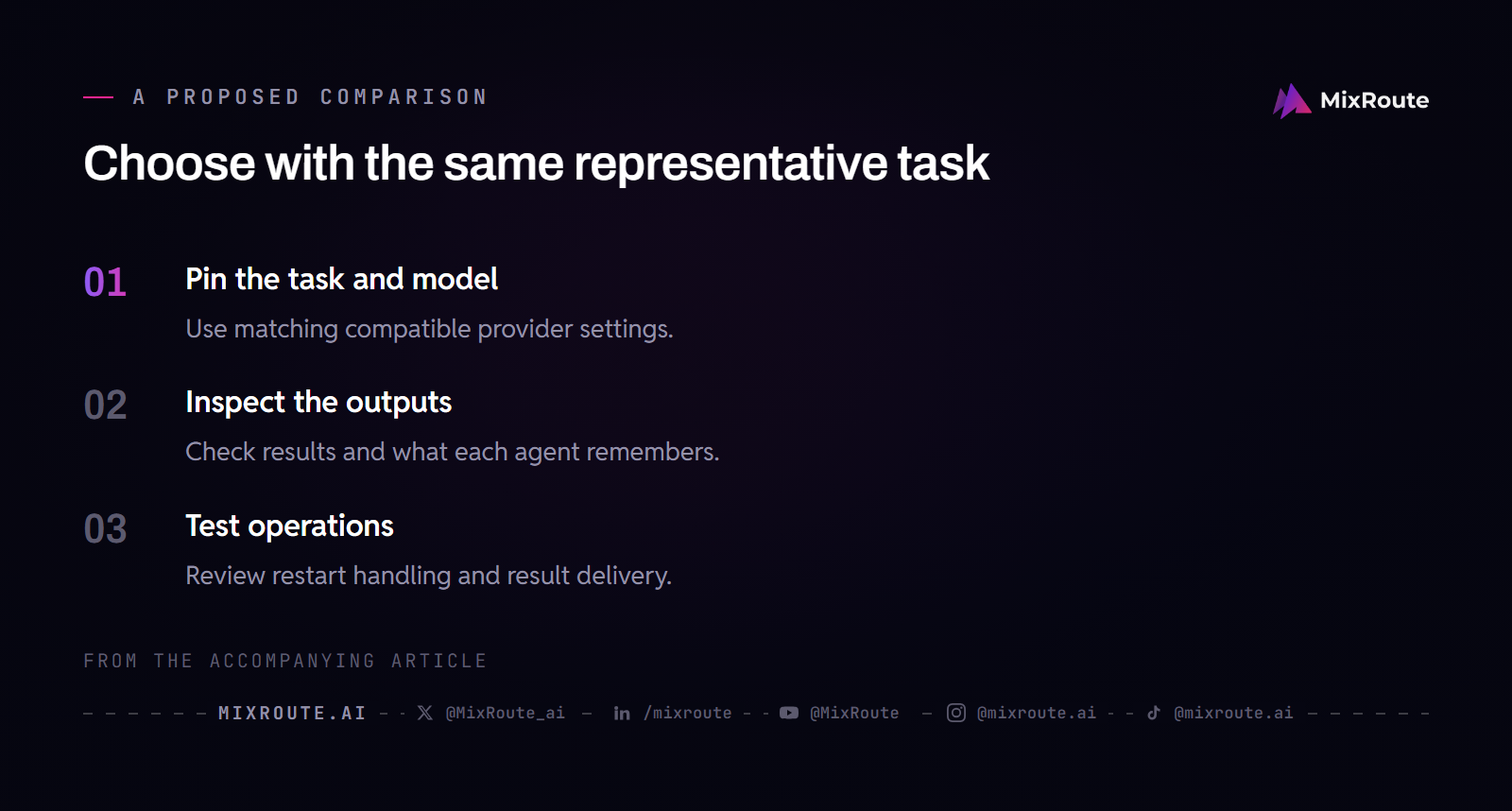
Run a small same-task trial before committing
Pick one repetitive task that matters to you, run it through both agents with the same model and the same provider configuration, and compare three things: the output, the setup effort each run took, and the operating behavior, including restart handling and whether the result actually reached you. After the run, look at what each agent remembered and whether a skill you rely on still works after a move. This comparison is yours to run, on your own workload. When you have matched an agent to the workload, decide whether a MixRoute credit tier fits the workload you chose.
FAQ
Hermes Agent vs OpenClaw: which one should I choose?
Pick by where the agent should live, then confirm with one real task. If people write to it in Slack, Discord, or Telegram through the day, or you need separate named agents on separate channels, trial OpenClaw first. If you would rather run a command and watch it work on files in front of you, start with Hermes. The next thing to check is who keeps the process up: an OpenClaw assistant stops answering while its daemon is down, and a Hermes task waits until someone invokes it. Match that to how you actually work.
What is the main architectural difference between Hermes Agent and OpenClaw?
OpenClaw is gateway-first and Hermes is runtime-first, and the difference shows up in what is running five minutes after onboarding finishes. OpenClaw leaves a daemon in place to own channels, routing, and named agents. Hermes leaves nothing running until you call it. Language follows the same split, with OpenClaw on Node.js and Hermes on Python. Picture a weekly report: on OpenClaw you keep the daemon and its channel tokens healthy so the job can land in Slack, while on Hermes you invoke the same task yourself or keep the gateway up for its cron.
Which agent is easier to set up?
Both, and the shorter path depends on what you are wiring. If you already know the provider and key you want, hermes setup model gets you connected without walking the rest of the setup. If what you want is an assistant inside a chat app, the onboarding command is the easy part and the channel tokens are the work. Either way, plan for the process shape you chose: a gateway that stays resident, or a runtime you invoke when you need it.
Which agent has better memory?
Neither one’s documentation establishes a winner, so choose by the answer you want back. OpenClaw searches a curated MEMORY.md and indexed daily notes, combining keyword matching with vector search. Hermes searches the session archive itself, with FTS5 over raw messages in SQLite. That difference matters more than any ranking: one surface returns what the agent decided to keep, the other returns what was said. Run an older question through both search tools and take the answer you would act on.
Can Hermes Agent and OpenClaw reuse the same skills and models?
Skills travel as text, and they do not arrive runnable. Both agents read SKILL.md, so a skill document opens on either side; what breaks is what the document points at, such as a runtime tool, an environment variable, a credential file, or a shell command that exists in only one project. MCP servers are another dependency to line up by hand. Models follow the same rule: check that the destination provider block accepts the model ID and that the model handles the tool-calling format the agent expects before you schedule work around it.
Can I migrate from OpenClaw to Hermes Agent?
Yes. hermes claw migrate imports an OpenClaw setup, and --dry-run shows you what will move before anything is written. Secrets stay behind unless you pass --migrate-secrets. The reverse direction uses a different tool: openclaw migrate hermes carries over model configuration, MCP servers, workspace files, and skills, and it archives sessions, plugins, and cron jobs instead of loading them. If a scheduled job matters to you, expect to rebuild it by hand on the other side. Neither tool is a full clone of a running system.
Do I need MixRoute to run Hermes Agent or OpenClaw?
No. Both agents run on their own provider keys, and MixRoute is one more provider you can add to either of them. Wiring it takes the same three values on both sides: a base URL ending in /v1, a MixRoute API key, and a model ID that MixRoute exposes, placed in that agent’s provider block. The two provider blocks are not shaped the same way, so follow the integration steps for the agent you run. Add MixRoute when you want both agents pointed at a single endpoint during a trial.
Can Hermes Agent and OpenClaw run at the same time?
Yes, with separate state. Give each agent its own install, its own state directory, and its own provider and messaging credentials. Messaging is where it gets fiddly: platform rules vary, and a rule that holds on one messaging service does not necessarily hold on another, so check the constraint for the platform you actually run. Containers keep two installs from sharing files; they do not settle token or permission questions. Decide from the outputs of the same task on each.