Your Day One With Hermes Agent: A Complete Beginners Guide
Most people who try Hermes Agent setup for the first time hit the same wall. They run the installer, click through the setup, give the agent a name, and start chatting. It answers, it feels finished, and they move on. A month later they are untangling a mess that one rushed early decision created.
This guide walks through Hermes Agent setup the right way, from a clean install to your first real conversation, in plain language for total beginners. By the end you will have a working agent, and you will understand the single choice that quietly decides how smooth the next month goes.
TL;DR
To set up Hermes Agent, run the one-line installer for your operating system, run hermes setup, and choose a model to act as its brain. The smartest beginner move is to point it at one OpenAI-compatible gateway instead of a single provider, so you can switch models later by changing one word.
What is Hermes Agent?
Hermes Agent is an open-source AI assistant from Nous Research that runs continuously on a computer or server and talks to you through a terminal or a chat app like Telegram. Unlike a normal chatbot that forgets you the moment you close the tab, it remembers you, learns your projects, and saves the steps it figures out so it can reuse them later. The whole point is that it gets better the longer you use it.
Here is the one idea that makes the rest of Hermes Agent setup click. Hermes is a “harness.” A harness is the body of the agent: its memory, its tools, its hands for getting things done. What a harness does not include is a brain. The brain is a separate AI model that you plug in. Picture a high-end robot body with an empty head. The body is excellent, but it does not think until you drop a brain into the socket. Hermes is the body. The model is the brain. You choose the brain, and that choice matters more than anything else you will do today.
What you need before you start
Three things, two of them optional:
- A place to run it. Your own computer (Linux, macOS, or Windows) or a cheap always-on cloud server (a VPS). A laptop is fine for learning. A VPS keeps the agent working when your laptop is closed and lets you reach it from your phone.
- A model to act as its brain. You reach a model with an API key, which is a secret password that proves you are allowed to use it. We will cover the smart way to handle this below, because it is the one part worth getting right on day one.
- A chat app, optional. Telegram is the easiest way to talk to your agent from your phone. You can skip it at first and use the terminal.
Hermes installs its own dependencies, so there is no heavy setup list to work through first.
How do you install Hermes Agent?
Installation is one line, and the exact line depends on your operating system.
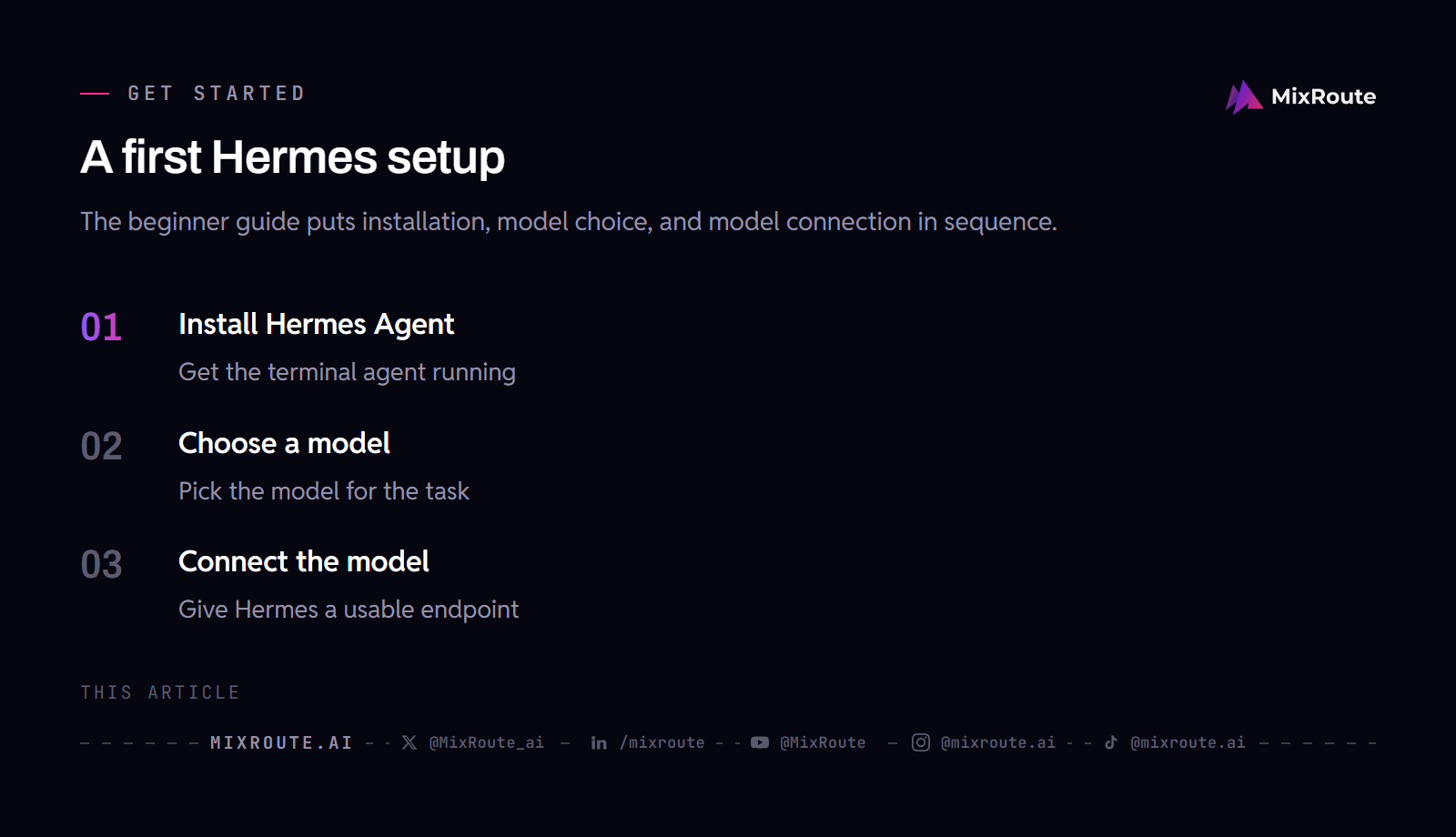
On macOS or Linux, paste this into your terminal:
curl -fsSL https://hermes-agent.nousresearch.com/install.sh | bash
On Windows, paste this into PowerShell:
irm https://hermes-agent.nousresearch.com/install.ps1 | iex
These look different but do the same job. macOS and Linux use bash, where curl downloads the installer and runs it. Windows PowerShell uses irm and iex, its own versions of those commands, and pulls a Windows-flavored installer. The installer sets up everything Hermes needs, including its own Python and Node.js. The same command also runs inside the Termux app on Android. Windows users who prefer a full Linux environment can install WSL2 and run the macOS/Linux line inside it, but the native PowerShell command is the simplest path.
Then, on any system, finish with:
hermes setup
That starts a short wizard that asks four things: which model to use, where it runs commands (accept the default for now), how you want to chat with it, and who is allowed to message it. While it runs, Hermes creates three small files in a hidden folder at ~/.hermes/: SOUL.md (its personality), MEMORY.md (what it learns about its work), and USER.md (what it learns about you).
The agent will answer as soon as this finishes. It will feel done. It is not, because one of those four wizard questions deserves real thought.
The most important Hermes Agent setup decision: choosing a model
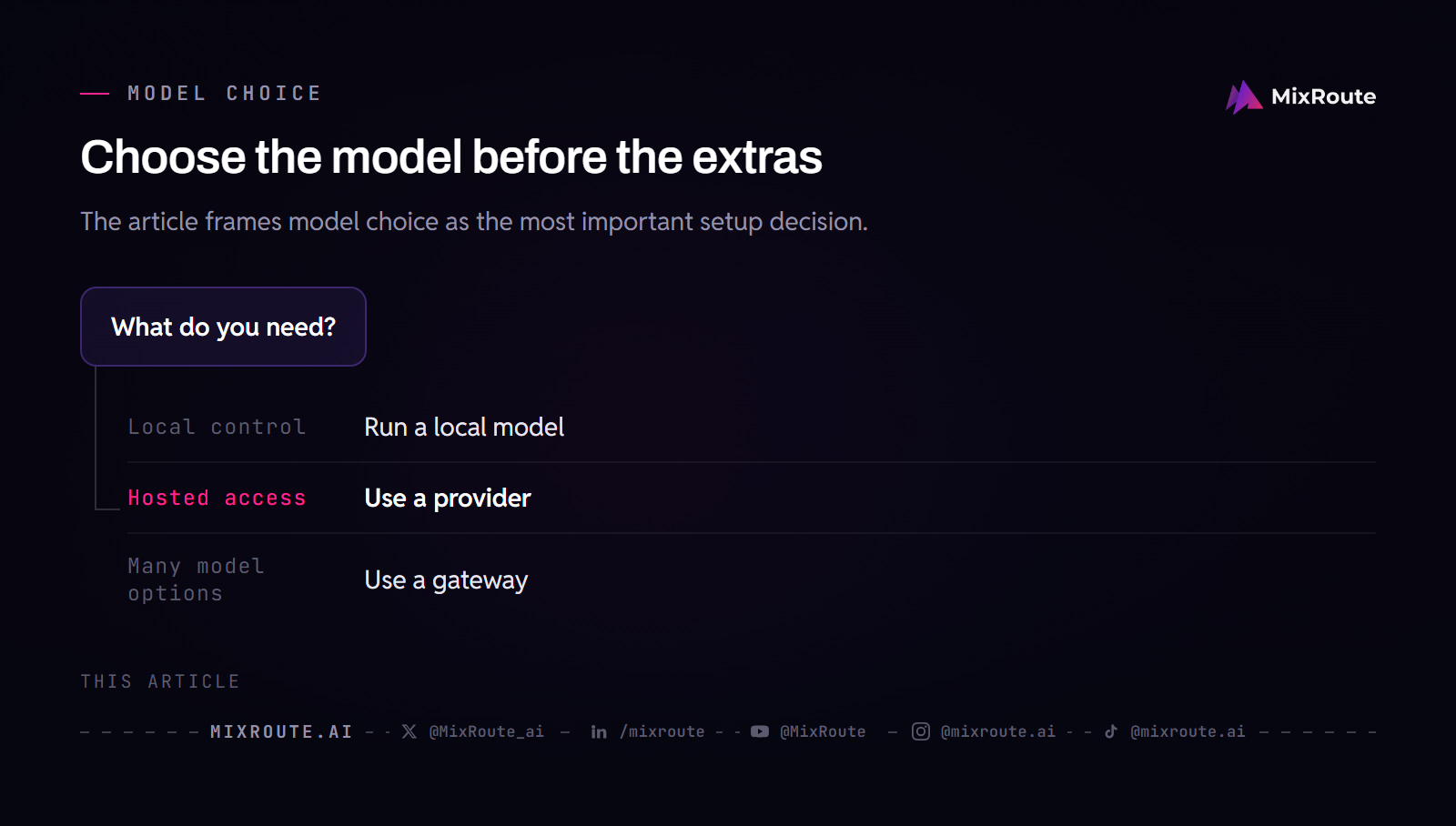
When the wizard asks which model to use, you are choosing the brain. It takes fifteen seconds and feels like a formality. It is the decision that shapes how smart your agent is, how well it follows your instructions, and how much it costs to run. A plain personality on a sharp, obedient model beats a beautifully written personality on a model that ignores instructions, every time.
Here is the part beginners are never warned about. Hermes does not use a model only for chatting. Behind the scenes it also calls a model to look at images, to summarize long conversations so they still fit in memory, to read web pages, and for a few other helper jobs. And the moment you create a second profile, which is just a second agent on the same machine, that one wants a model too.
So the naive path looks like this. You sign up with one provider for chatting, a second for a cheaper helper model, and a third because someone says it is best for coding. Now you are juggling three logins, three API keys, and three bills, and every time a provider renames a model you are editing settings in several places to keep things working.
Before wiring the model, see the Hermes Agent vs OpenClaw comparison if you are still choosing the agent.
How do you connect a model to Hermes Agent the easy way?
Instead of picking one provider, connect one gateway. A gateway is a single service that sits in front of every provider. You get one key and one web address, and through it you can reach every model. Switching from a Claude brain to a GPT brain becomes a one-word change, not a new account.
This is where MixRoute fits, and for a beginner it removes a whole category of future headaches.
| One provider | One gateway (MixRoute) | |
|---|---|---|
| Models you can reach | Just that provider’s | 200+ across all major providers |
| Switching models | New account and key | Change one word |
| Accounts to manage | One per provider | One |
| Bills | One per provider | One |
| If a provider goes down | Your agent stalls | Automatic failover to another |
MixRoute is an AI API gateway. It gives you one key for 200+ models across Claude, GPT, Gemini, DeepSeek, and more. It is OpenAI-compatible, which simply means it works with the standard setup tools like Hermes already expect, so wiring it in is painless. It charges no markup over the providers’ own prices, where the closest comparison, OpenRouter, adds a [verify: OpenRouter platform fee, last seen 5.5%] platform fee on top. If a provider has a hiccup, MixRoute quietly reroutes so your agent does not fall over.
Because it is OpenAI-compatible, connecting it is one line of configuration. In the wizard or the hermes model command, choose the custom endpoint option and enter the base URL, your key, and a model name copied from the live model list:
Base URL:  https://api.mixroute.ai/v1
API key:   your MixRoute key
Model:     the model name from mixroute.ai/models
Anything that speaks the OpenAI SDK connects the same way, which is the whole point of an OpenAI-compatible gateway:
from openai import OpenAI

client = OpenAI(
    api_key="your-mixroute-key",
    base_url="https://api.mixroute.ai/v1",
)

response = client.chat.completions.create(
    model="your-chosen-model",   # copy the exact name from mixroute.ai/models
    messages=[{"role": "user", "content": "Hello!"}],
)
Then point every helper job back at that same brain so you never wire a second account. In config.yaml, set the auxiliaryslots to provider: main, which tells them to use whatever model you picked for chatting. One key, one gateway, every job covered.
A note on cost, because this is where beginners hesitate. MixRoute signup takes about thirty seconds and needs no credit card, and it comes with $5 of free credit to test against. When you top up later, the credit is doubled. So you can wire the full catalog of models and genuinely test them before spending a cent of your own.
One last gotcha that trips many beginners: paying for ChatGPT does not give you API access. They are separate things. Wiring Hermes straight to OpenAI would need a separate developer account with billing enabled. Routing through a gateway skips all of that.
Before the first real task, run two checks. hermes config show prints your current configuration values, which is where you confirm that the model you picked in the wizard is the model that actually landed; that setting lives in config.yaml, while your API keys live in .env. hermes status reports agent, auth, and platform status, so you can see the agent configured, your credentials registered, and any messaging platform you connected. Together they tell you the right model is configured, the credentials are in place, and any connected platform is up, which is what makes the first message worth sending.
For the related next step, see Hermes Agent custom endpoint setup.
If you are using one gateway key across models, review AI API key management for rotation, scope, storage, and incident response before wiring the endpoint.
How do you give your Hermes agent a personality?
Your agent’s personality lives in SOUL.md, a short text file written in plain language. Hermes reads it at the start of every message, which is why it should stay short. Because it is read every single time, a long soul is re-read over and over, and that costs tokens, which cost money. Fifty to eighty lines is plenty.
A simple shape covers it: a line on who the agent is, a short voice section, a few operating rules, and a few hard restrictions. Keep project details, long instructions, and facts about yourself out of it. Those belong in project notes and in the memory files, not in the identity file.
How does Hermes Agent get better over time?
This is the feature that makes Hermes feel different, and as a beginner you barely have to do anything.
Memory is two small files Hermes writes on its own as you chat. One holds what it learns about your work, the other what it learns about you. They have a deliberate size cap, which sounds like a downside but is the feature: the cap forces the agent to keep only what truly matters instead of bloating. You do not edit these.
Skills are the other half. When your agent works out how to do something, it can save the steps as a reusable skill, so next time it just does it. A background process tidies these over time, sharpening the useful ones and retiring the rest. The beginner instruction is refreshingly lazy: do not pre-load skills or hand-write memory. Use the agent normally and it builds both from real work.
Once the single-agent setup works, see Hermes Agent multi-agent setup.
Can you use Hermes Agent from your phone?
Yes, and it is the step that turns Hermes from a terminal tool into something that lives with you. Telegram is the easiest channel. You create a bot through Telegram’s BotFather, paste the token it gives you into Hermes, and lock the agent to your own account so only you can message it. From then on you can text your agent from your phone while it works on the server, and it can even message you on a schedule. Get it chatting in the terminal first, then add this when you are comfortable.
Common Hermes Agent setup mistakes for beginners
- Tuning the personality before the model. A great soul on a weak model is still a weak agent. Choose the model first.
- Signing up with one provider in the wizard. It feels fastest, but every new model or second agent means another account. Connect a gateway and the problem disappears.
- Writing a giant SOUL.md. It is read on every message, so a short soul is a cheaper, sharper agent.
- Pre-loading skills and memory. The whole point is that Hermes learns these from real use. Setting them by hand fights the feature.
- Pasting the wrong install command for your OS. The bash line is for macOS and Linux, the PowerShell line is for Windows.
- Assuming a ChatGPT subscription includes API access. It does not. Use a gateway or a separate developer account with billing.
Frequently asked questions
Is Hermes Agent free to use? The Hermes Agent software is open source and free to run. You pay only for the AI model that powers it, billed per token through whatever provider or gateway you connect.
How do I install Hermes Agent on Windows? Open PowerShell and run irm https://hermes-agent.nousresearch.com/install.ps1 | iex, then run hermes setup. The bash curl command is for macOS and Linux only. If you prefer a full Linux environment, install WSL2 and run the macOS/Linux command inside it.
What model should I use with Hermes Agent? Match the model to the job: a strong model for coding and complex work, a cheaper fast model for routine tasks. The simpler approach is to connect a gateway so you can switch between models without changing your setup, and test which one suits your work.
How do I connect a model to Hermes Agent? Run hermes model, choose the custom endpoint option, and enter the base URL, your API key, and a model name. Through an OpenAI-compatible gateway like MixRoute, the base URL is https://api.mixroute.ai/v1 and one key reaches every model.
Does Hermes Agent work with my ChatGPT subscription? Not directly. A ChatGPT subscription does not include API access, which is what Hermes needs. You need a separate developer account with billing, or a gateway that already provides the access.
Do I have to lock in one model forever? No. If you connect a gateway on day one, changing models is a one-word edit rather than a new account, so you are free to switch whenever a better or cheaper model appears.
The bottom line
Hermes Agent setup is genuinely easy. The only part worth slowing down for is the model layer, because it is the one thing that is painful to change later. Choose the brain first, reach it through one gateway instead of a pile of provider accounts, then let the personality, memory, and skills do what they were built to do.
MixRoute is the gateway that makes that work. One OpenAI-compatible base URL, 200+ models, one key, zero markup over provider pricing, and automatic failover, with $5 of free credit and no credit card to start, doubled when you top up. Wire Hermes to MixRoute
Prefer to watch instead of read?
The entire setup is also a video walkthrough that does every step on screen, from the install command to wiring up the model. If watching makes it click faster, follow along on YouTube here.