Best AI Job Search Tools in 2026 (Ranked by What They Actually Fix)
Most rejections in 2026 happen before a human ever reads your resume. Nearly every large employer routes applications through an Applicant Tracking System, software that parses keywords, dates, and skill tags and filters the pile down long before a recruiter opens a file. Applying the old way means losing to software you never knew you were playing against.
The fix is not one magic app. The AI job search tool market has split into clear categories, each solving one specific bottleneck, and most “best of” lists just reshuffle the same names without telling you which bottleneck each one fixes. This guide does the opposite. It maps the best AI job search tools in 2026 to the exact stage of the funnel they improve, what they cost, and how to combine two or three of them without paying for five subscriptions that overlap.
The direct answer
The best AI job search tools in 2026 are Teal for tracking and resume scoring, Jobscan for ATS optimization, Rezi and Kickresume for resume building, Simplify for application autofill, JobCopilot for auto-apply, and Final Round AI or Google’s Interview Warmup for interview prep. Most job seekers need two or three, matched to their weakest stage, not all of them.
Why the job search runs on AI now
The pipeline is algorithmic before it is human. Recruiters use software to screen resumes, companies automate first-round outreach, and a growing share of initial interviews are one-way video screens scored partly by machines. According to Jobscan’s 2026 analysis, roughly 87% of companies now use AI somewhere in their hiring process.
On the candidate side, the barrier to submitting an application has collapsed to nearly zero, which means every posting drowns in volume and the filters get stricter in response. That is the paradox of 2026: applying has never been easier and getting an interview has never been harder. The candidates winning are not the ones sending the most applications. They are the ones whose materials survive the parser and whose targeting is tight enough that a human wants to talk.
AI tools exist to close that gap. Used correctly, they handle the mechanical work: formatting, keyword alignment, form filling, tracking, and rehearsal. Used lazily, they generate the polished generic text recruiters now spot instantly and call AI slop. The tool list below favors the first kind.
The five categories of AI job search tools
Every tool on the market falls into one of five buckets, and knowing your bucket saves you money.
- Resume builders and optimizers. Draft, structure, and tailor your resume for a specific job description and its ATS.
- ATS match checkers. Score an existing resume against a posting and show the keyword gaps.
- Auto-apply and autofill tools. Submit applications for you, or fill the forms while you press the button.
- Trackers. Keep the pipeline of saved jobs, submitted applications, and follow-ups in one dashboard.
- Interview prep tools. Simulate interviews, generate likely questions, and score your answers.
No single platform does all five well yet, whatever the landing pages claim. Pick by your bottleneck.
The best AI job search tools in 2026, compared
Pricing reflects publicly listed plans as of mid 2026. Always verify on the vendor site before subscribing, these change often.
| Tool | Category | Pricing | Best for |
|---|---|---|---|
| Teal | Tracker + resume scoring | Free tier, paid upgrade | Organizing a multi company search |
| Jobscan | ATS match checker | 5 free scans/month, from $49.95/mo | Strong resumes that get no callbacks |
| Rezi | ATS resume builder | $29/mo Pro, $129 lifetime | Enterprise applications, ATS pass-through |
| Kickresume | Resume builder | Free tier, paid designs | Building a base resume from scratch |
| Simplify | Autofill extension | Free | Fast form filling with human review |
| JobCopilot | Auto-apply suite | From $8.90/week | Automated applications plus prep |
| Sorce | Job matching + apply | 40 free swipes/day | High volume across industries |
| Final Round AI | Interview prep | Paid plans | Realistic interview simulation |
| Interview Warmup (Google) | Interview prep | Free | No cost practice reps |
| LinkedIn AI features | Matching + profile | Free tier, Premium ~$40/mo | Recruiter visibility and job match scores |
| ChatGPT / Claude | General purpose | Free tiers, ~$20/mo paid | Everything, if you bring the structure |
Now the honest read on each row.
Teal: the tracker everything else plugs into
Teal saves job postings, tracks every application through pipeline stages, and scores your resume against any pasted job description with rewrite suggestions. It is the closest thing to a home base for a modern search, and the free tier is genuinely usable rather than a teaser. Its limit is that it assists rather than automates. You still do the applying.
Jobscan: fix the callback problem
If your resume is solid and you are still getting silence, the problem is almost always keyword alignment with the ATS. Jobscan scores your resume against a specific posting and tells you exactly what the parser wants to see, tuned for the systems large companies actually run, like Workday, Greenhouse, Taleo, and iCIMS. Five free scans a month cover your priority applications. The paid plan is one of the pricier subscriptions on this list, so treat it as a tool for a serious enterprise focused search, not casual browsing.
Rezi and Kickresume: build the base document
Rezi generates and restructures resume content specifically for ATS parsing, with a scoring layer that grades each bullet as you write. Its lifetime plan is the best pure value in the category for anyone in an active search longer than a few months. Kickresume is the design forward alternative and the better starting point if you are building a resume from nothing. The trade-off is direct: Rezi is conservative and parser safe, Kickresume looks better to humans.
Simplify: autofill without surrendering control
Simplify’s free browser extension fills application forms from your saved profile while you stay in the loop and press submit yourself. It captures most of the time savings of auto-apply with almost none of the risk, which makes it the default recommendation for anyone nervous about full automation.
JobCopilot, AI Apply, and the auto-apply tier
These tools find matching roles, tailor materials, and submit applications on your behalf, sometimes dozens per day. They work, with real caveats around account safety and application quality. LinkedIn’s 2026 anti automation measures penalize tools that submit at non human speed, so favor platforms that cap volume by design or submit directly through company ATS portals instead. We covered this entire category in depth, including which tools respect the platforms and which get accounts flagged, in our guide to AI auto-apply tools.
Sorce: volume with a free first model
Sorce runs a swipe based matching model across a large job database and gives every user 40 free swipes a day, which makes it the cheapest way to run a genuinely high volume search. It fits retail, hospitality, and early career searches especially well, where breadth matters more than deep per role tailoring.
Final Round AI and Interview Warmup: rehearse before it counts
Once you are past the parser, the interview is the filter, and a growing share of first rounds are asynchronous video screens where you get one take. Final Round AI runs detailed role specific simulations with feedback. Google’s Interview Warmup does lighter practice for free. Either one beats walking in cold, and the free option means there is no excuse to.
LinkedIn’s built in AI: the one most people ignore
LinkedIn quietly ships useful AI natively: a profile writing assistant, a Job Match Score that grades your fit against a posting before you apply, and role specific interview prep questions. Since LinkedIn Recruiter is what most sourcing runs through, thirty minutes spent aligning your profile with the keywords recruiters actually search is the highest ROI move in this entire article, and it costs nothing.
ChatGPT and Claude: the generalists
A general purpose LLM drafts cover letters, rewrites bullets, role plays interviews, and researches companies for the price of one subscription or free. The catch is that it has no ATS scoring, no tracking, and no job matching. You bring the structure and the prompts. It pairs best with one specialized tool rather than replacing the category.
How to build a stack without overspending
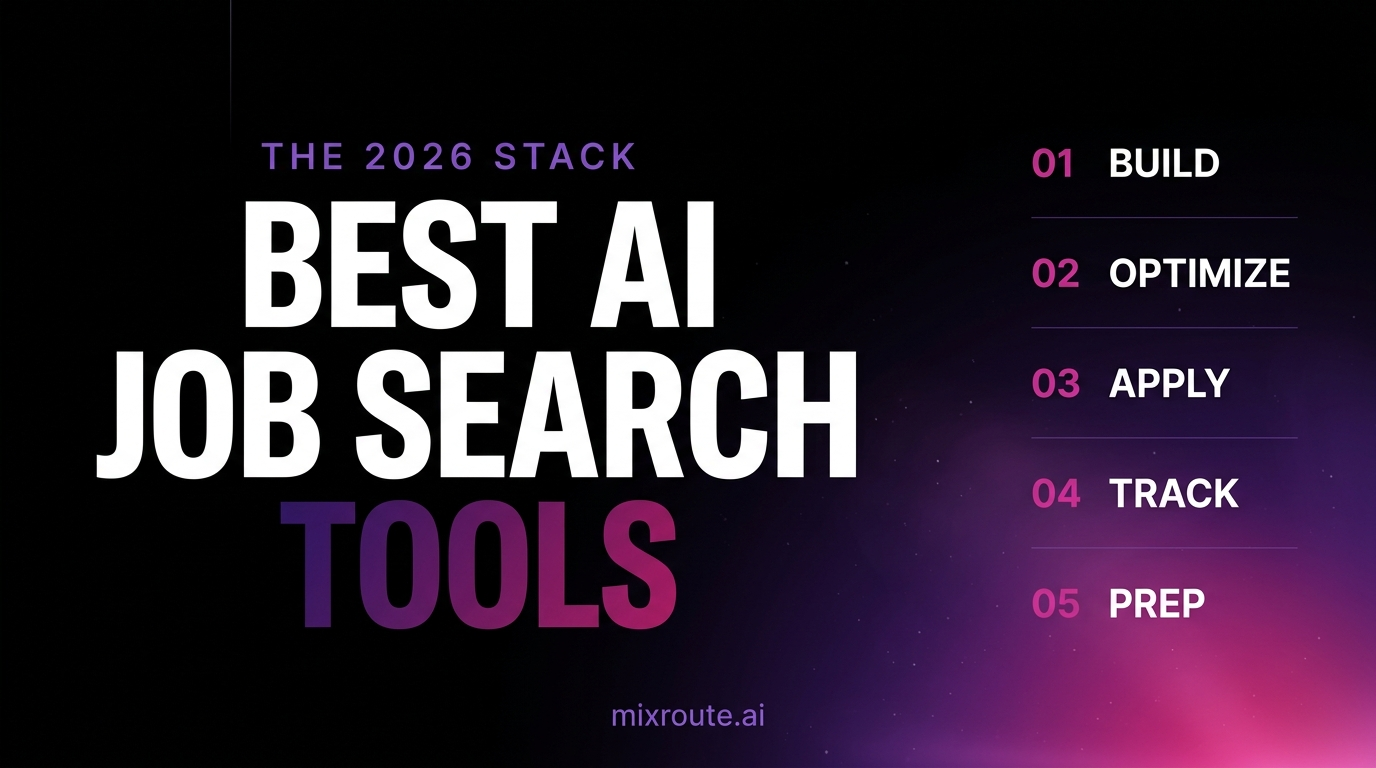
The workflow that consistently produces interviews in 2026 is build, optimize, apply, track, prep. Map one tool to each stage and stop.
A fully free stack covers the whole funnel: Kickresume to draft, Jobscan’s free scans to check your top applications, Simplify to fill forms, Teal to track, and Interview Warmup to rehearse. Total cost, zero.
A paid stack for an aggressive search adds one LLM subscription plus one specialist matched to your weakest stage, usually Jobscan Premium for enterprise targets or JobCopilot for volume. Two to three tools is the ceiling. Past that, managing the tools becomes its own unpaid job, and your work history is now sitting in five vendor databases with five different privacy policies. Read those before uploading, especially if you are searching confidentially while employed.
The mistakes that waste the money
The tools amplify whatever you feed them, so the failure modes are predictable.
Generic AI output. Recruiters recognize unedited LLM text on sight. Words like spearheaded, orchestrated, and synergized read as machine generated immediately. The rule: if you cannot defend a bullet point in an interview with real operational detail, rewrite or delete it.
Volume as a strategy. Two hundred untargeted applications lose to twenty tailored ones. Auto-apply without a tight filter list just industrializes rejection.
Ignoring account safety. Tools that hammer LinkedIn at machine speed get accounts restricted. Direct ATS submission and human speed caps carry far less risk.
Buying overlap. Three tools that all build resumes is one tool and two wasted subscriptions. Buy by bottleneck.
FAQ
What is the best AI job search tool overall? There is no single best. Teal is the strongest all around home base, Jobscan is the best fix for a callback problem, and JobCopilot leads the auto-apply category. Pick by which stage of your search is broken.
Are AI job search tools worth paying for? For an active search, yes, but start free. The free tiers of Teal, Jobscan, Simplify, and Interview Warmup cover the full funnel. Pay only when a free tier’s cap becomes your actual bottleneck.
Will using AI to write my resume get it rejected? Not by the ATS. Major systems like Workday, Greenhouse, and iCIMS file and filter by keywords, they do not run AI detection. The risk is human: recruiters reject generic AI sounding text, so edit everything into your own specifics.
Can AI tools apply to jobs for me automatically? Yes. Tools like JobCopilot, AI Apply, and LazyApply submit applications on your behalf. Use ones that cap volume and respect platform rules, careless automation can get a LinkedIn account restricted. Our auto-apply guide covers the category in full.
How many AI tools do I actually need? Two or three. One for materials, one for tracking, one for your weakest stage. A stack bigger than that costs more time than it saves.
Do these tools work outside tech jobs? Yes. Matching platforms like Sorce span retail to executive roles, and ATS optimization matters anywhere a large employer is hiring, which is most industries in 2026.
The bottom line
AI did not make the job search easier. It made the mechanical parts fast and the filters brutal, and the winners are the candidates who use the tools with precision: a parser safe resume, tight targeting, a tracked pipeline, and rehearsed interviews, with their human energy saved for the parts no tool can do. Start with one tool aimed at your worst bottleneck, prove it moves your response rate, then add the second.
And if you have noticed that every product on this list is a wrapper around the same underlying model APIs and thought about building your own, the cheapest way to run calls across all of those models is a gateway like MixRoute.