

Hermes Agent Custom Endpoint: Run Any Model Through One API
6月 06, 2026 · 8 分で読了
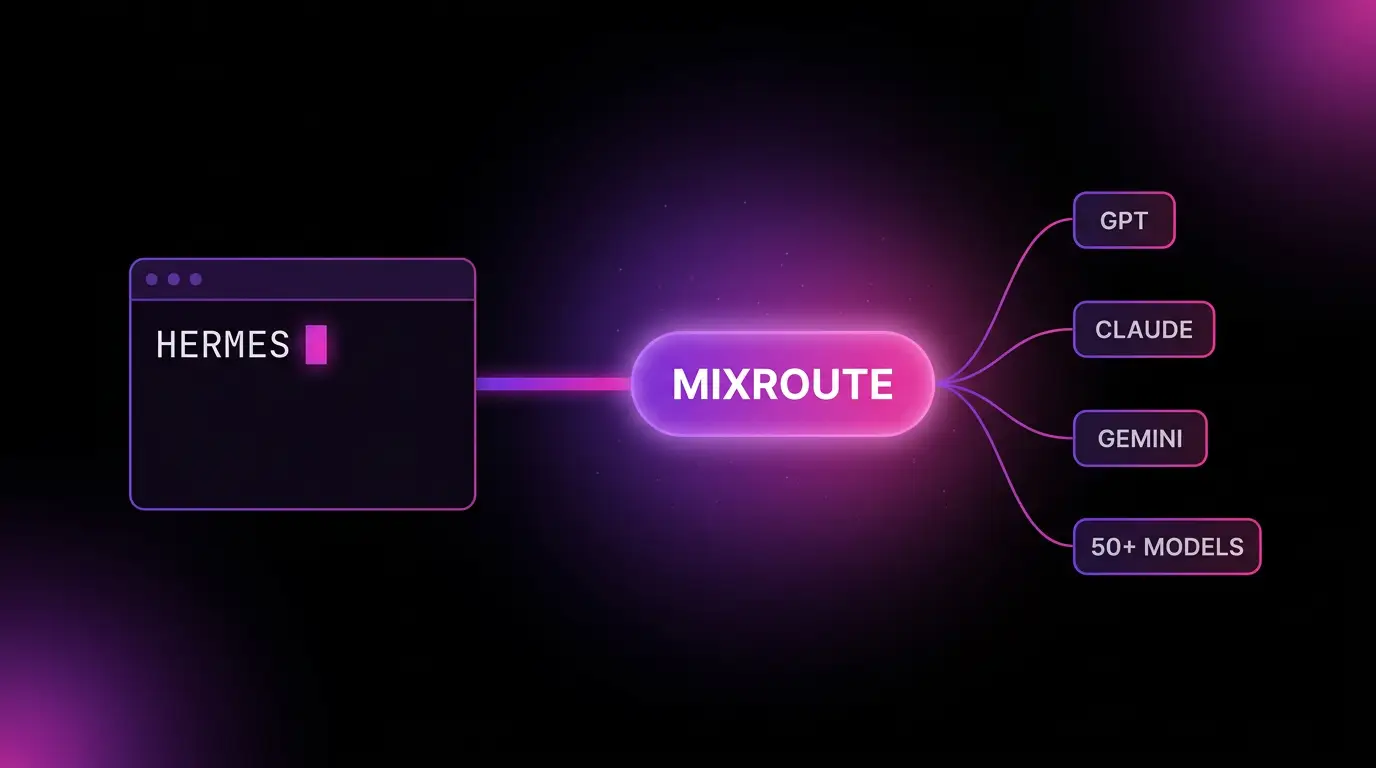
Quick answer: To use any model in Hermes Agent, run hermes model, select Custom Endpoint, and enter the MixRoute base URL https://api.mixroute.ai/v1, your API key, and a model ID like claude-sonnet-4-6. Pick a model with at least a 64K context window. Hermes then reaches 200+ models through one endpoint, switchable with one command.
Hermes is built model agnostic. Feeding it any model is the work.
Hermes Agent from Nous Research is built on a simple promise: use any model you want, no lock in, switch with one command. It runs in your terminal, executes real commands, reads and writes files, remembers across sessions, and can run unattended on a $5 VPS. The model is yours to choose.
The catch is what “any model” costs in practice. To actually reach a spread of models you end up holding logins for several providers, one for the frontier models, one for the open ones, another for whatever launched last week. Each with its own key, its own bill, its own KYC.
Two more things bite specifically with Hermes. It needs a model with at least a 64K token context window, so you cannot grab just anything. And because it runs autonomously, a provider outage does not pause a chat, it kills a working agent mid task. The model agnostic design is the right idea. The friction is in wiring it up.
What the Hermes Agent custom endpoint does
Hermes talks to models through providers, and one of them is Custom Endpoint: point it at any OpenAI compatible API, no code or plugins. You give it a base URL, a key, and a model name through an interactive menu, and Hermes routes through it.
That is the slot a gateway drops into. Instead of one provider per model lineup, you point the custom endpoint at a single API that exposes many models. One key. One bill. Every capable model behind it.
That is what MixRoute is. One OpenAI compatible API routing across 200+ models including GPT, Claude, Gemini, DeepSeek, and open models like Kimi. Set it as your custom endpoint and Hermes can reach all of them, switch with /model mid conversation, and you fund it with USDT and no KYC. For a crowd that runs Nous models and an open agent precisely to avoid lock in, paying without handing over identity is the point, not a footnote.
The four Hermes API modes, and which to pick
During setup Hermes asks for an API mode. This is where people get stuck, so here is the map.
| Mode | Endpoint it uses | When to pick it |
|---|---|---|
| Auto-detect | Chooses from the URL | The default. Best for standard OpenAI compatible endpoints like MixRoute |
| Chat Completions | /chat/completions | Force standard OpenAI style chat when auto-detect guesses wrong |
| Responses / Codex | /responses | Codex style tool calling backends |
| Anthropic Messages | /v1/messages | Native Anthropic style endpoints |
For MixRoute, leave it on Auto-detect. The base URL ends in /v1 and behaves like a standard OpenAI compatible server, which is exactly what Auto-detect is tuned for. Only switch modes if you have pointed Hermes at a native port that needs a specific message format.
How to connect Hermes Agent to MixRoute
No config files to edit. Hermes walks you through it.
Before you start
- A MixRoute API key from the MixRoute console.
- The MixRoute base URL:
https://api.mixroute.ai/v1. The/v1suffix is required. - A model in mind with a 64K context window or larger. Check the context size in the MixRoute model center.
Step 1: Install Hermes Agent
On Linux, macOS, or WSL2, run the official installer, then reload your shell.
curl -fsSL https://raw.githubusercontent.com/NousResearch/hermes-agent/main/scripts/install.sh | bash
source ~/.bashrc   # zsh users: source ~/.zshrc
Confirm it landed:
hermes --version
A version number means you are good. On Windows, install WSL2 first and run the command above inside the WSL2 terminal, since Hermes does not run natively on Windows.
Step 2: Open the provider menu
Start the configuration wizard at any time:
hermes model
Use the arrow keys to select Custom Endpoint and press Enter. Running hermes model again later overwrites the current setup, so this is also how you change models or keys.
Step 3: Enter the base URL, key, and model
Follow the prompts:
- Base URL:
https://api.mixroute.ai/v1 - API Key: your
sk-...key from the console - Model: a MixRoute model ID, for example
claude-sonnet-4-6
The model name must match the ID in the MixRoute model catalog exactly, or you will get a “model not found” error. Pick one with 64K context or more.
Step 4: Leave the API mode on Auto-detect
When Hermes asks for an API mode, keep Auto-detect. It is built for standard OpenAI compatible endpoints, which is what MixRoute is.
Step 5: Start Hermes and test
Launch the agent:
hermes
Or the newer terminal UI:
hermes --tui
Send a test message like “what day is it today?” If the model answers, the integration is live. Every Hermes capability after this, the messaging gateway, skills, scheduled tasks, background service, now calls your chosen model through MixRoute. You do not configure a provider again per feature.
Switching models and keeping the agent alive
Hermes was built to switch models without code, and a gateway makes that switch reach across vendors. Inside any conversation:
/model
shows the current model and lets you change it. With MixRoute behind the endpoint, that list is 200+ models instead of one vendor’s menu. Run a cheap fast model for routine terminal work and jump to a stronger one for hard reasoning, without a new account.
The availability angle matters more here than for a chat tool. Hermes can run scheduled jobs and work unattended on a VPS. If the model it depends on goes down, the agent goes down with it. MixRoute routes per request and fails over across providers on its side, so a single provider’s bad hour does not take your agent offline. For something meant to run while you sleep, that resilience is the difference between a finished job and a dead session.
Troubleshooting the Hermes Agent MixRoute connection
- Empty response or an error. Check the base URL ends with
/v1. - Model not found. The model name does not match the MixRoute model ID exactly. Copy it from the model center.
- Invalid API key. Generate a fresh key in the console, then run
hermes modelagain and enter the new key. - Context insufficient errors. Your model’s context window is under Hermes’s 64K minimum. Switch to a larger context model.
- Cannot find the config menu. Run
hermes modelin the terminal.
FAQ
What is the best model provider for Hermes Agent? Hermes supports many providers and a custom endpoint for any OpenAI compatible API. A gateway like MixRoute behind that custom endpoint gives you 200+ models through one key with failover, which suits Hermes’s no lock in design. Just pick models that meet the 64K context requirement.
What context window does Hermes Agent need? At least 64K tokens. Below that you hit context insufficient errors. Check a model’s context size in the MixRoute model center before selecting it.
Can I switch models in Hermes without reinstalling? Yes. Type /model inside a conversation, or run hermes model to reconfigure. With MixRoute as the endpoint you switch among 200+ models, no new account per model.
Which API mode should I use with MixRoute? Auto-detect. MixRoute is a standard OpenAI compatible endpoint ending in /v1, which is what Auto-detect targets. Only change it for native ports that need a specific message format.
Does Hermes Agent run on Windows? Not natively. Install WSL2 and run the Hermes installer inside the WSL2 terminal.
Can I pay for Hermes Agent’s model usage with crypto? Yes. MixRoute accepts USDT with no KYC. You fund one balance that powers every model Hermes uses, which fits the open source crowd that runs Hermes to avoid lock in.
The bottom line
Hermes Agent is model agnostic by design. The cleanest way to honor that is one custom endpoint that opens onto every capable model, instead of a drawer full of provider logins. One endpoint, 200+ models, switchable with /model, failover for the unattended jobs, and billing that does not ask who you are.
MixRoute does exactly that. One OpenAI compatible API, 200+ models, automatic failover, USDT with no KYC. One pass through hermes model and your terminal agent has every model it needs behind a single endpoint. Start building on MixRoute