

Smart Routing: One Endpoint That Picks the Model For You
2026 年 7 月 27 日 · 9 分鐘閱讀
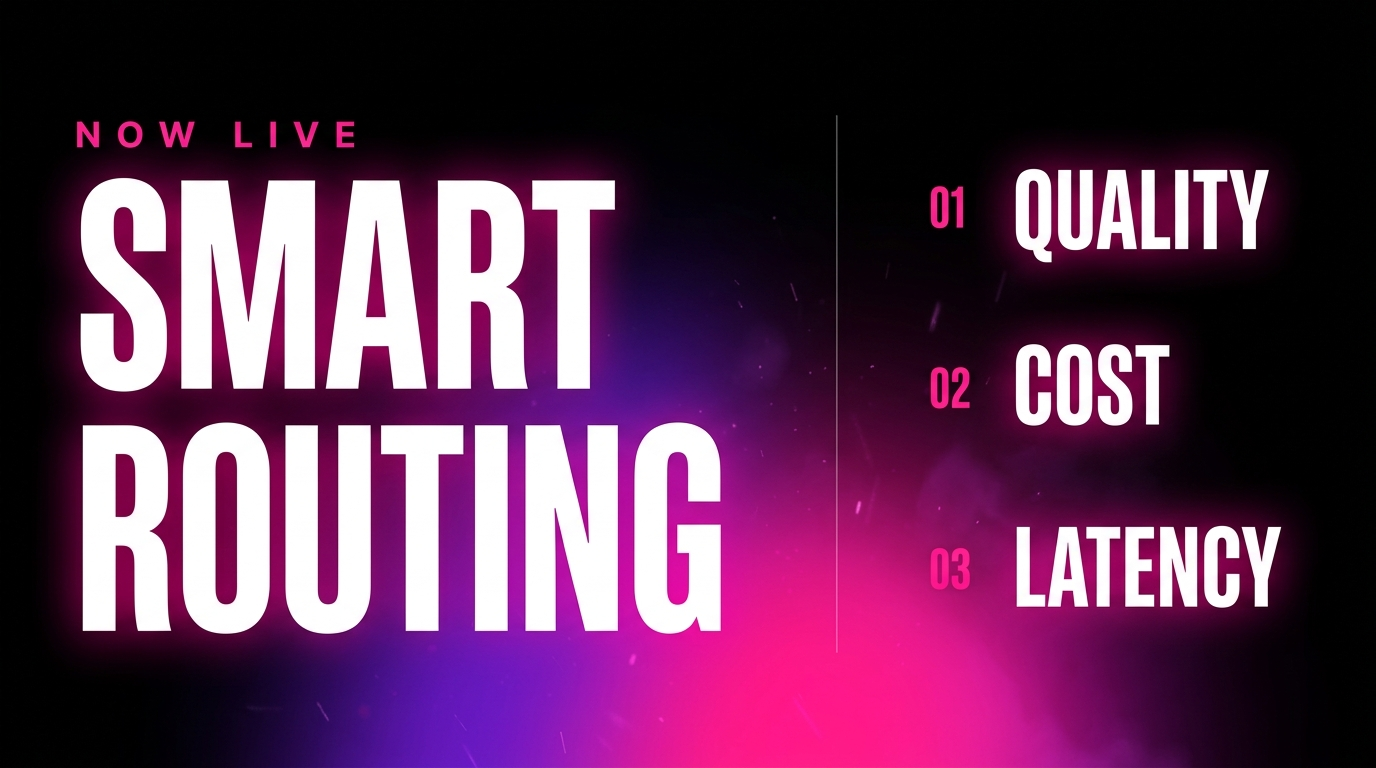
Smart routing sends each request to the model best suited to it, automatically, instead of making you hardcode one model for everything. You send the task. The router weighs quality, cost, and latency, and picks. It is now live on MixRoute, across 200+ models behind the same OpenAI compatible endpoint you already use.
This article explains what it does, why the hardcoded alternative quietly costs you money, and when you should still pin a model yourself.
You already have a model router
Look at how model selection actually works in most production apps.
Someone picked a model. They wrote the string into the code. They moved on. That choice is now frozen, and the models kept changing while it sat there.
That is a router. It is you, running once, months ago, with whatever information you had that afternoon. Every request since has gone to the same model regardless of whether the task needed it.
The cost of that shows up in two places.
You overpay on the easy work. A pipeline that runs extraction, classification, and formatting through a frontier model is paying frontier rates for tasks where quality saturated long ago. On a realistic high-volume workload, the same task can run $10,500 a month on a frontier model and $256 on a cheap one. That is a 41x spread for output nobody could tell apart. The full arithmetic is in how to reduce your LLM API costs.
You underdeliver on the hard work. The reverse of the same mistake. A model chosen for cheapness handles the tricky requests too, and quietly does them worse. Nothing errors. A wrong model still returns a confident, plausible answer.
The market has already voted on the fix. Databricks’ State of AI Agents 2026 report, drawn from more than 20,000 organizations including over 60% of the Fortune 500, found that 78% of companies now run two or more LLM model families, with the share running three or more rising from 36% to 59% in three months. Nobody seriously disputes that matching the model to the task is correct. The problem is that doing it by hand means maintaining the routing logic, the model list, and the benchmarks yourself, forever.
What smart routing does
Smart routing moves that decision from your code into the gateway. You describe the work, not the vendor. For each request, the router weighs three things:
Quality. Is this task within reach of a cheaper model, or does it need a stronger one? Extraction and classification are solved problems. Nuanced reasoning is not.
Cost. Among the models that clear the quality bar, which is cheapest for this request? Note that the answer depends on the request, not just the rate card, because tokenizers differ and two models at the same per-token price can bill differently for the same text.
Latency. Which of the acceptable models is responding quickly right now? A model that is degraded or overloaded is the wrong choice even when it is the cheapest.
The last one is the part people underestimate. Routing is not a static lookup table, because provider conditions change hour to hour. A model that was the right pick this morning may be rate limiting or degraded this afternoon, and a router that reads live conditions handles that. A hardcoded string cannot.
Smart routing also composes with failover rather than replacing it. Routing picks the best model for the request; failover catches the case where the pick becomes unavailable mid-flight. Both matter, and the reliability piece covers why: a single provider at around 99.5% uptime is roughly 41 hours a year of downtime, while spreading across providers takes that to minutes.
What changes for you
Three concrete things.
Model selection stops being a code change. Today, switching the model behind a task means finding the string, editing it, testing, and deploying. With routing, the decision is continuous and happens per request.
New models get used without a migration. When a better or cheaper model ships, a hardcoded app keeps using last quarter’s pick until someone gets around to it. A router can incorporate the new option without you rewriting anything.
Your cheap work goes to cheap models by default. The single largest lever on an AI bill is routing per task, and it is the one most teams never pull because of the friction. Removing the friction is the point.
How to turn it on
Nothing about your integration changes. Same base URL, same API key, same request shape, same OpenAI compatible client you already use. The only difference is what goes in the model field: instead of naming a specific model, you name the routing option.
That is the whole adoption story, and it is deliberately boring. Because routing is selected per request through the model field, you can turn it on for one task, leave everything else pinned, and compare results before widening it. No parallel integration, no separate endpoint, no migration. The exact string and the available options are in the MixRoute docs.
Start with your highest-volume, lowest-judgment task, the extraction or classification work where quality has already saturated. That is where routing has the most room to save and the least room to hurt, so it is the cleanest first test. Measure the cost per task and the quality on your own evaluation set before and after, then expand from there.
When to pin a model instead
Routing is the right default for most traffic, and it is not the right answer for everything. The honest cases where you should still choose the model yourself:
Regulated or contractual constraints. If your compliance position depends on which vendor processes the data, or a customer contract names a model, that decision is not one to delegate.
Prompts tuned to a specific model. A prompt with few-shot examples and output formatting tuned against one model may behave differently on another. Either pin it, or re-validate against your evaluation set before letting it float.
Provider-specific features. If a task depends on capabilities that do not map cleanly across models, it belongs on the model that has them.
Strict reproducibility. Research, audits, and regression baselines sometimes need the same model every time, on purpose.
And one broader caution that applies even when you do route: routing changes which model answers, which means it can change your output. Keep an evaluation set and check that quality holds, exactly as you would after any model swap. A cheaper model that got worse will not tell you, and that is true whether you picked it or a router did. Testing your AI properly is the safety net under any routing strategy.
Routing is the lever, the gateway is what makes it cheap to pull
Everything above works because the models sit behind one interface. That is the underlying argument for an AI API gateway in the first place: per-task routing is the biggest cost lever available, and most teams skip it because reaching several providers means several accounts, keys, SDKs, bills, and failure modes.
MixRoute removes that: one OpenAI compatible API across 200+ models, automatic failover when a provider drops, one bill, zero markup on provider pricing, and USDT deposits with no KYC. Smart routing is the layer on top that makes the model choice itself automatic. New accounts get a $5 credit to test it against your own traffic, which is the only benchmark that matters.
FAQ
What is smart routing? Automatically sending each API request to the model best suited to it, based on quality, cost, and current latency, instead of hardcoding one model for every request. You send the task and the router selects the model, so model choice becomes a per-request decision rather than a line in your code.
How is smart routing different from failover? Failover reacts to failure: when your chosen provider is down or rate limiting, requests reroute to a healthy one. Smart routing is proactive: it chooses the best model for each request before anything goes wrong. They complement each other, and a production setup wants both.
Will smart routing change my output quality? It can, because a different model may answer. The point of routing is to send easy, high-volume work to cheaper models where quality has saturated, and harder work to stronger models. Keep an evaluation set and verify quality holds on your own tasks, the same as you would after any model change.
Can I still choose my own model? Yes. Routing is a default you opt into per request, not a replacement for explicit model selection. Pin a specific model when compliance requires it, when a prompt is tuned to one model, when you need provider-specific features, or when you need strict reproducibility.
How much can smart routing save? It depends entirely on your workload mix. The saving comes from moving high-volume, low-complexity work off expensive models, and on that kind of task the spread between a frontier model and a cheap one can exceed 40x. If most of your traffic already runs on a cheap model, the gain is small. If you run everything through a frontier model, it is large.
Does routing add latency? The routing decision itself is fast relative to model inference, and routing away from an overloaded model can reduce your end to end latency rather than increase it. As with any gateway, there is a network hop, so measure it against your own traffic if you operate on tight latency budgets.
The bottom line
A hardcoded model is a routing decision you made once and stopped revisiting. It overpays on the work that does not need a frontier model and underdelivers on the work that does, and it never tells you either way.
Smart routing makes that decision per request, weighing quality, cost, and live latency across 200+ models on the endpoint you already call. Pin a model where compliance, tuning, or reproducibility demands it. Route the rest, and keep an eval set so you can see what changed.