Prefer video? Watch the walkthrough
Step 1: Register and Sign In
Open the MixRoute sign-up page and create an account. If you already have an account, sign in and the credits will be added to it.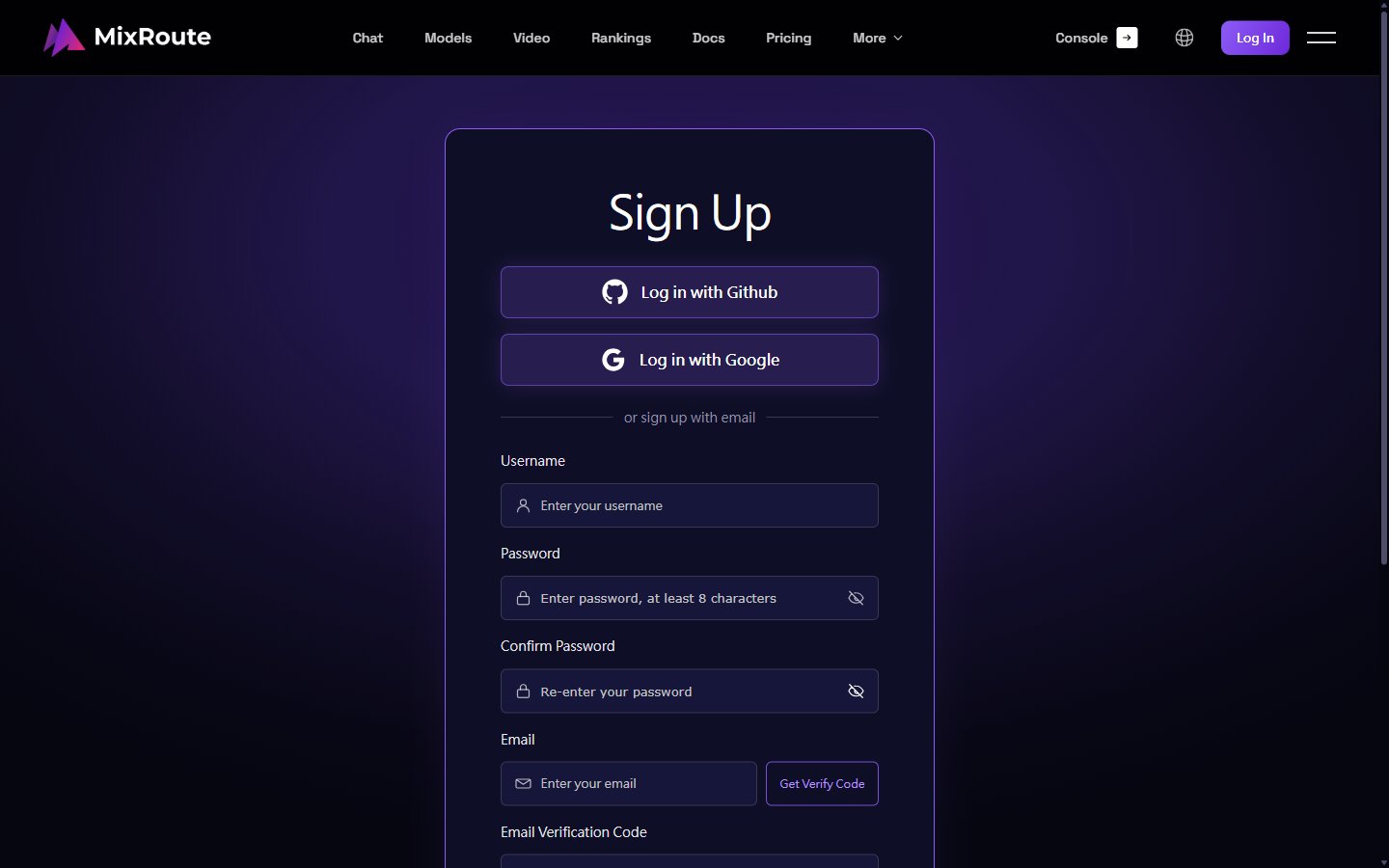
Step 2: Open Wallet
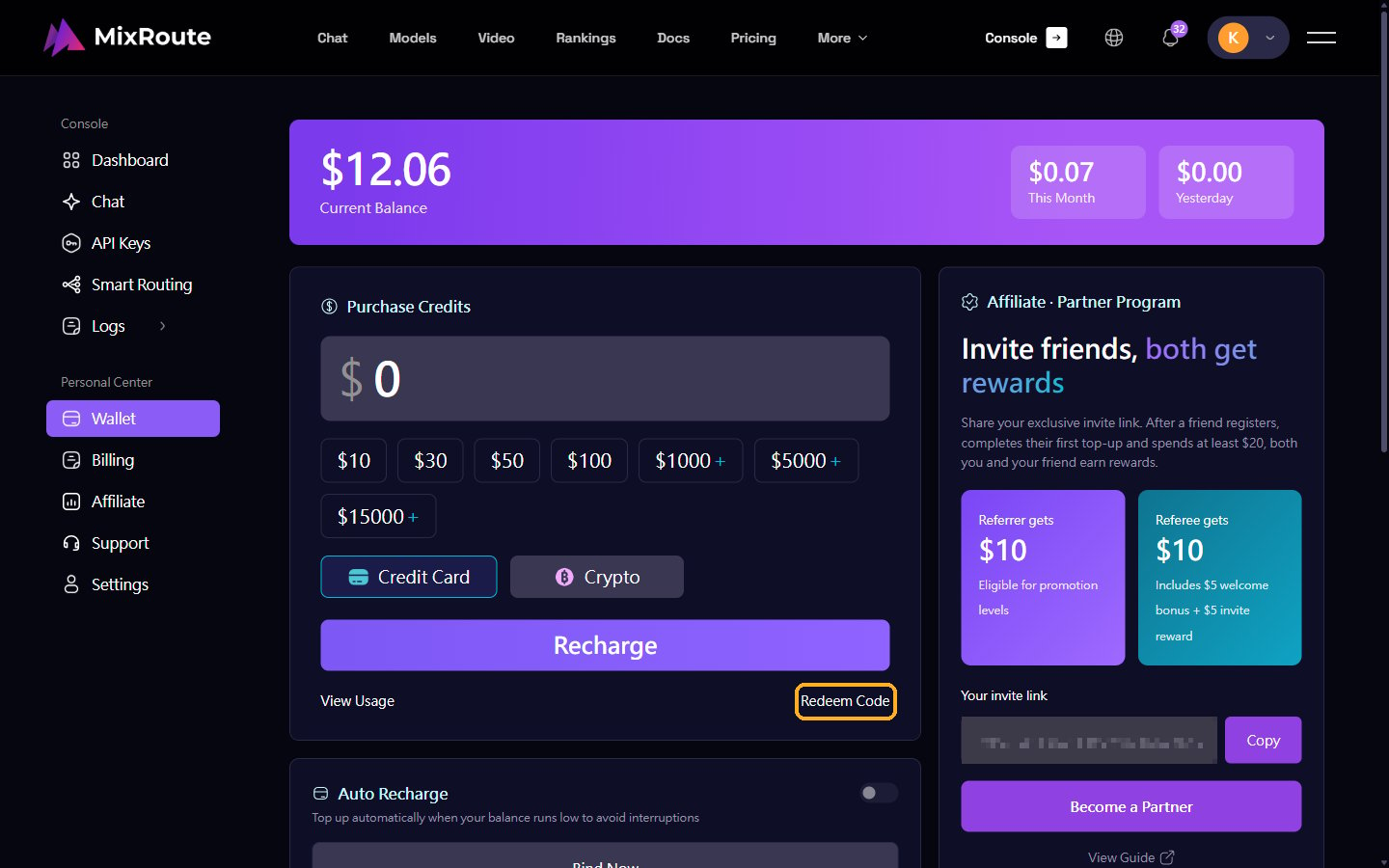
Click Wallet in the left menu, or go directly to the Wallet page after signing in.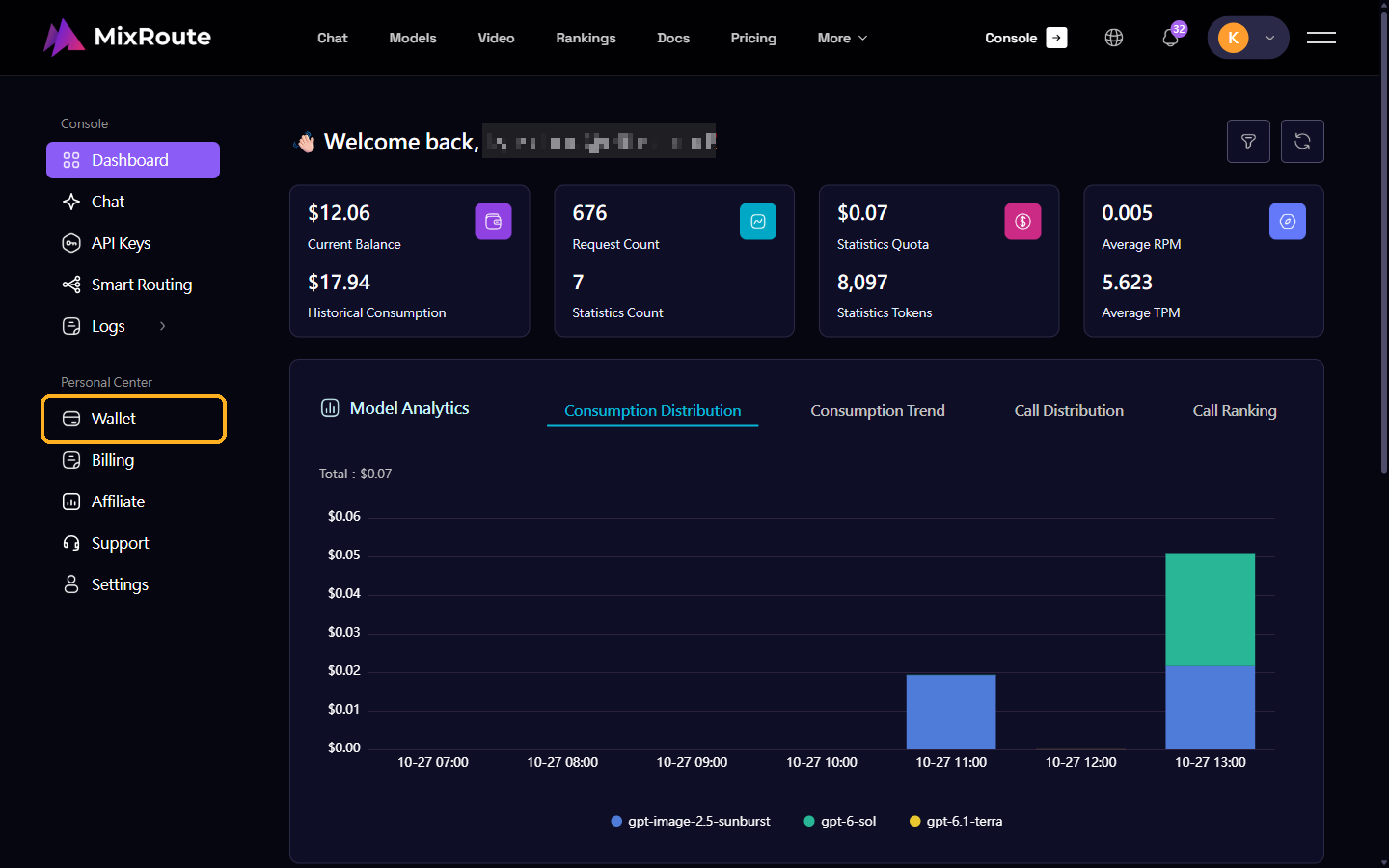
Step 3: Enter Your Redeem Code
- Click Redeem Code at the bottom right of the Purchase Credits section.
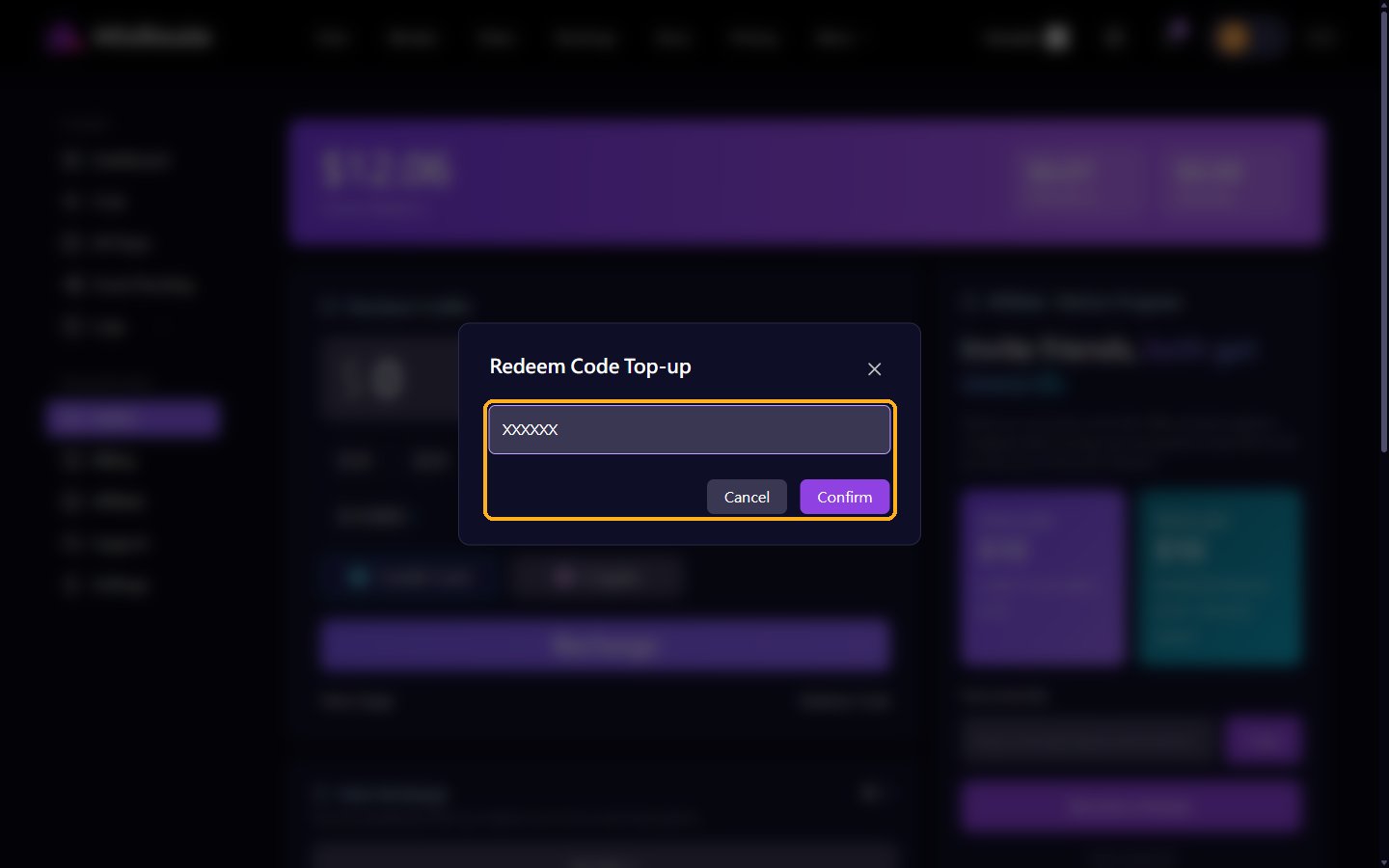
- Paste your code into the pop-up window and click Confirm.
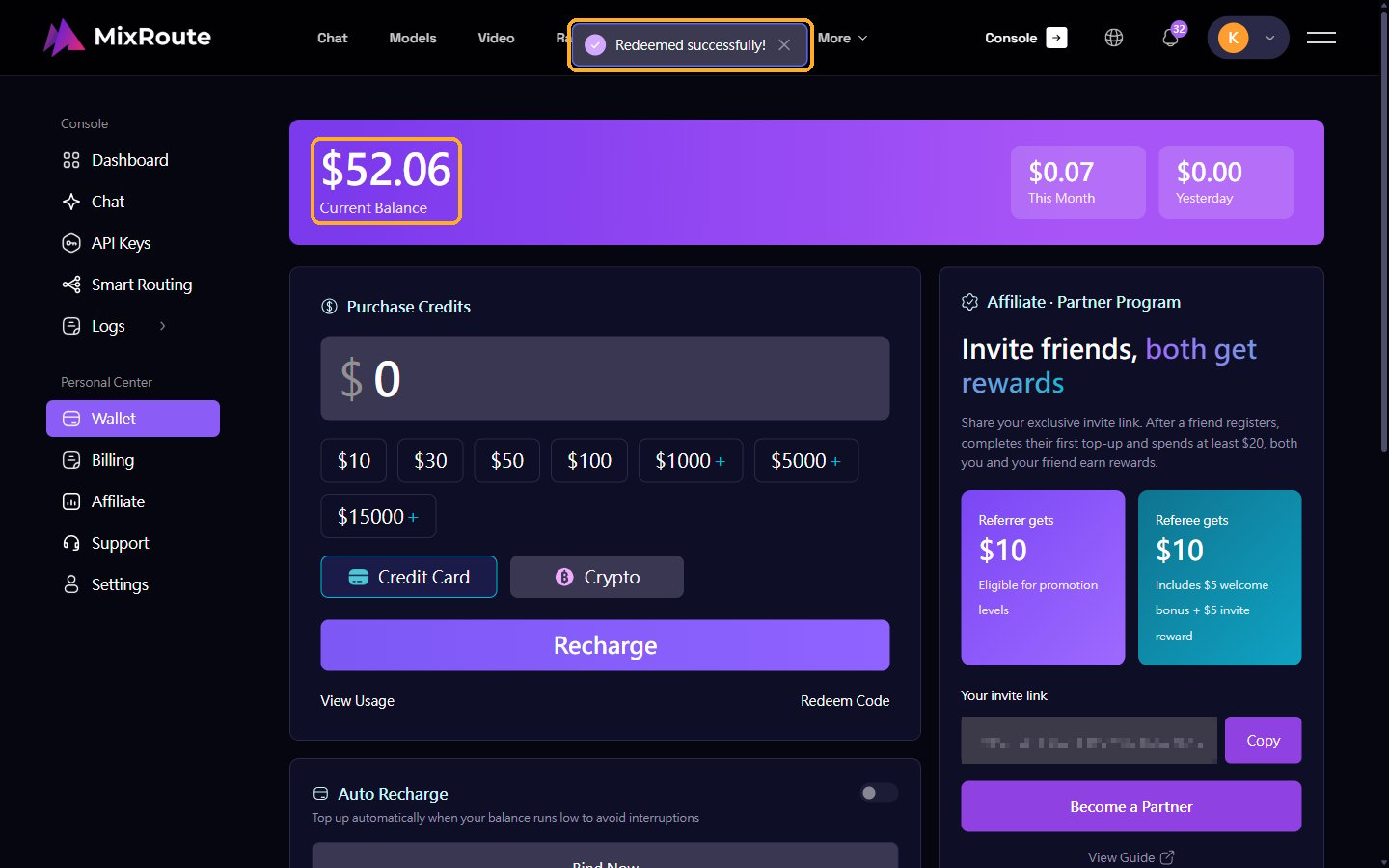
- When you see “Redeemed successfully!”, the credits have been added to your Current Balance.